Beginner Rhythm Guide
Start Beat Craft APK the right way. A beginner rhythm guide to first songs, basic timing, reading your first charts, and the practice habits that build real rhythm skill.

Blog
Calibrate timing in Beat Craft APK. Learn why notes can feel early or late, how audio delay happens, and how to adjust until your taps and the music agree.
Few things frustrate a rhythm player like the suspicion that the game itself is off: your taps feel right, the music sounds right, yet judgements keep landing late. In Beat Craft APK this is usually not your rhythm or the chart. It is delay, and delay can be measured and corrected.
Every phone and headphone combination delivers sound and registers touch on its own schedule. Calibration exists to align those schedules with yours.
This guide explains where delay comes from and how to tune it away.
Touch delay is the time between your finger landing and the game registering the tap. Display and processing add small amounts that vary by device.
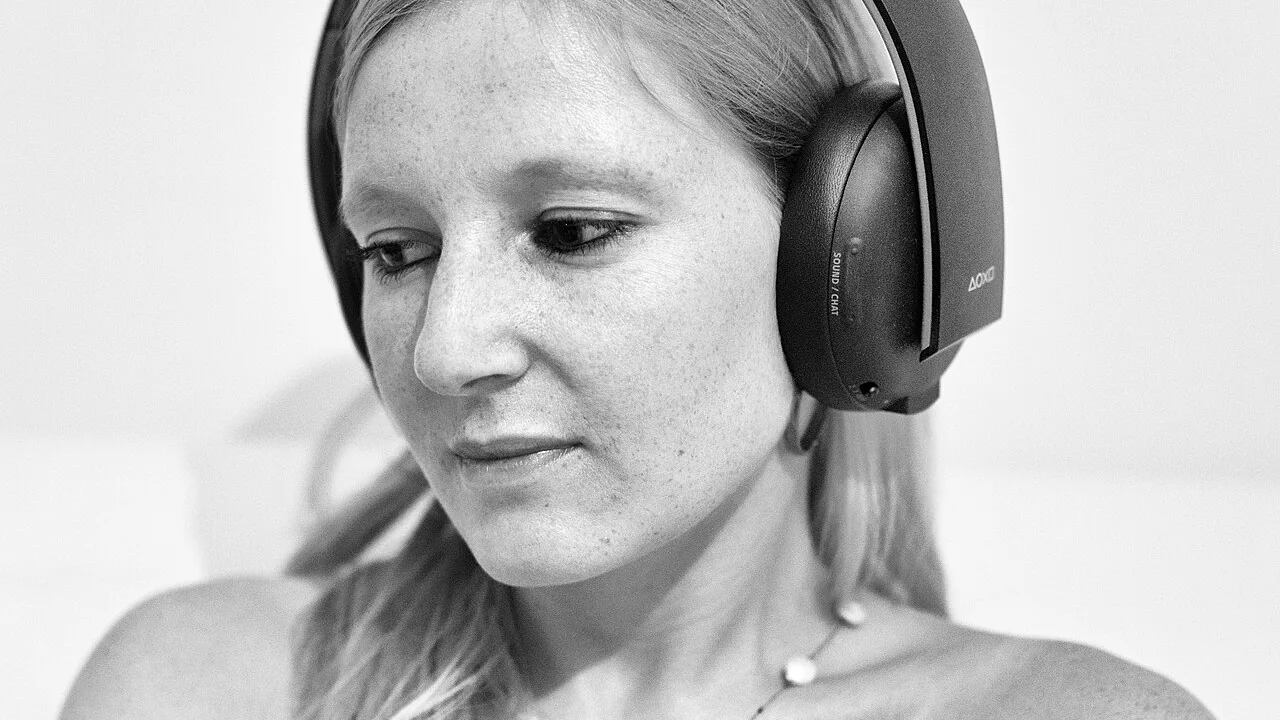
Audio delay is usually larger, especially with wireless headphones, which encode and transmit sound before you hear it. The music you tap to may be a fraction of a second behind the chart's own clock.
Neither delay is a defect. Both are physics, and both are exactly what calibration settings are designed to absorb.
Common delay sources:
If your judgement feedback leans consistently in one direction, early or late, across many songs and days, suspect calibration before suspecting your skill.
Human timing errors scatter in both directions. A one-sided lean is a system signature, and systems can be adjusted.
The clearest test is a song you know perfectly at an easy level. If even that leans one way, the setup is speaking, not your rhythm.
More information is available in:
Adjust in small steps and test each change on the same familiar, easy song, so the only variable moving is the setting itself.
Tap exactly on the beat as you hear and feel it, ignoring the judgement readout during the test run, then read the summary afterwards.
Stop when feedback centres. Chasing perfection past that point usually means you have started calibrating to your own inconsistency.
More information is available in:
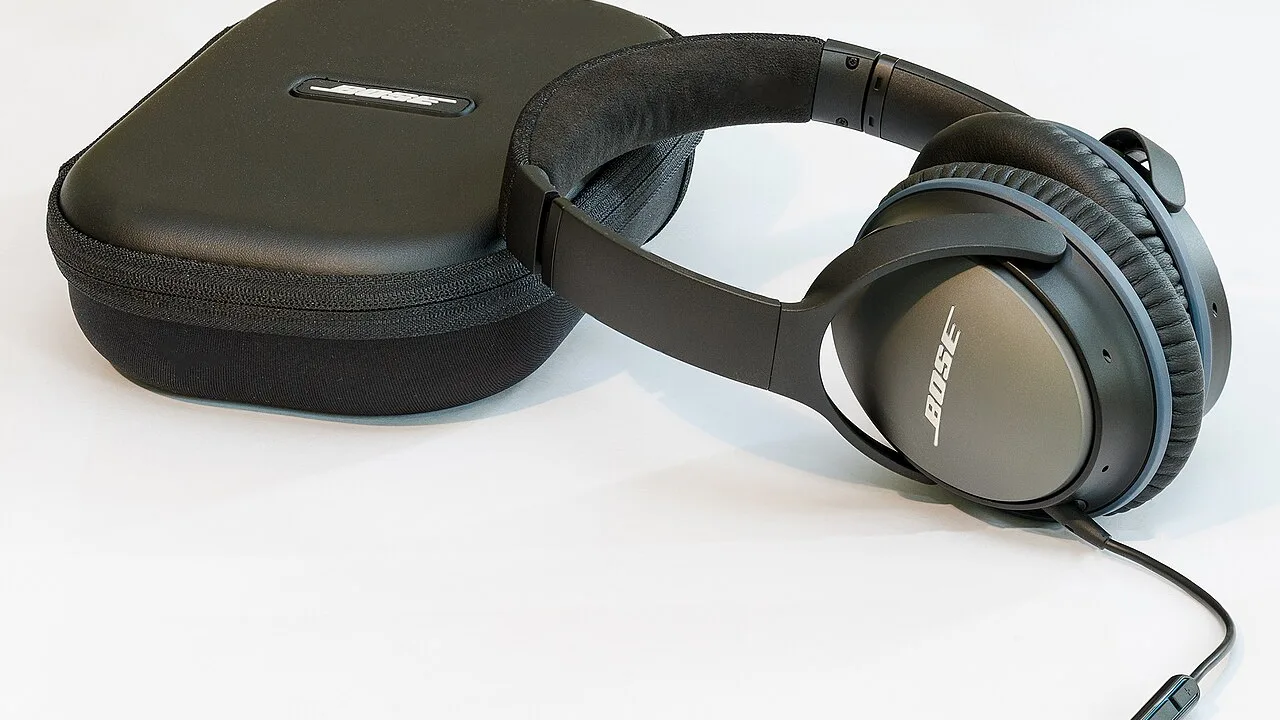
Wired headphones and the phone's own speaker deliver sound with minimal delay, which makes them the reference standard whenever timing feels wrong.
Wireless earbuds are convenient and improving, but their delay varies by model and connection conditions, which is why a calibration that was perfect yesterday can drift today.
Serious sessions deserve your most predictable audio path. Save the wireless set for casual play if its delay refuses to stay stable.
Any change to your audio chain resets the calibration question: new headphones, a new phone, a system update, or an audio enhancement switched on in settings.
Make recalibration a reflex after such changes, tested on one easy song before a real session begins.
Thirty seconds of checking protects hours of otherwise puzzling practice.
Calibration is the foundation under accuracy, combos, and grades: every judgement the game gives you is only meaningful once your setup tells the truth.
Players who calibrate stop arguing with their results and start improving them.
Align the setup once, verify it after changes, and let your feedback become honest coaching.
Timing calibration in Beat Craft APK corrects the small, real delays between your fingers, your device, and your headphones. A consistent one-sided lean in judgement feedback is the tell-tale sign. Adjust in small steps on a familiar easy song, prefer predictable wired audio for serious sessions, and recheck after any equipment change, so every judgement you read is the truth.
Start Beat Craft APK the right way. A beginner rhythm guide to first songs, basic timing, reading your first charts, and the practice habits that build real rhythm skill.
Play your own music in Beat Craft APK. Learn how custom songs become charts, what makes a track work well, and how to build a personal library that trains your rhythm.

Understand difficulty levels in Beat Craft APK. Learn what changes between levels, how to know when you are ready to move up, and why jumping ahead too fast backfires.