Beginner Rhythm Guide
Start Beat Craft APK the right way. A beginner rhythm guide to first songs, basic timing, reading your first charts, and the practice habits that build real rhythm skill.

Blog
Get the best sound in Beat Craft APK. Compare speakers, wired and wireless headphones, and learn the audio settings that make beats clearer and timing easier.
Beat Craft APK is played as much with the ears as with the fingers. The clarity of the beat, the separation of the drums from the rest of the mix, and the delay in your audio path all shape your timing before any question of skill arises.
Many players practise for months through muffled phone speakers in noisy rooms and blame their rhythm for what their ears were never given a chance to hear.
This guide compares your listening options and the settings that make the music's pulse unmistakable.
A phone's own speaker has one great virtue: essentially no delay. For calibration checks and casual practice in a quiet room, it is a legitimate choice.
Its weakness is bass. Small speakers underplay the low frequencies where kick drums and bass lines live, which are exactly the sounds most charts are built on.
If you practise on speakers, keep volume moderate and the room quiet, and accept that some beats will need to be felt through the rhythm rather than heard directly.
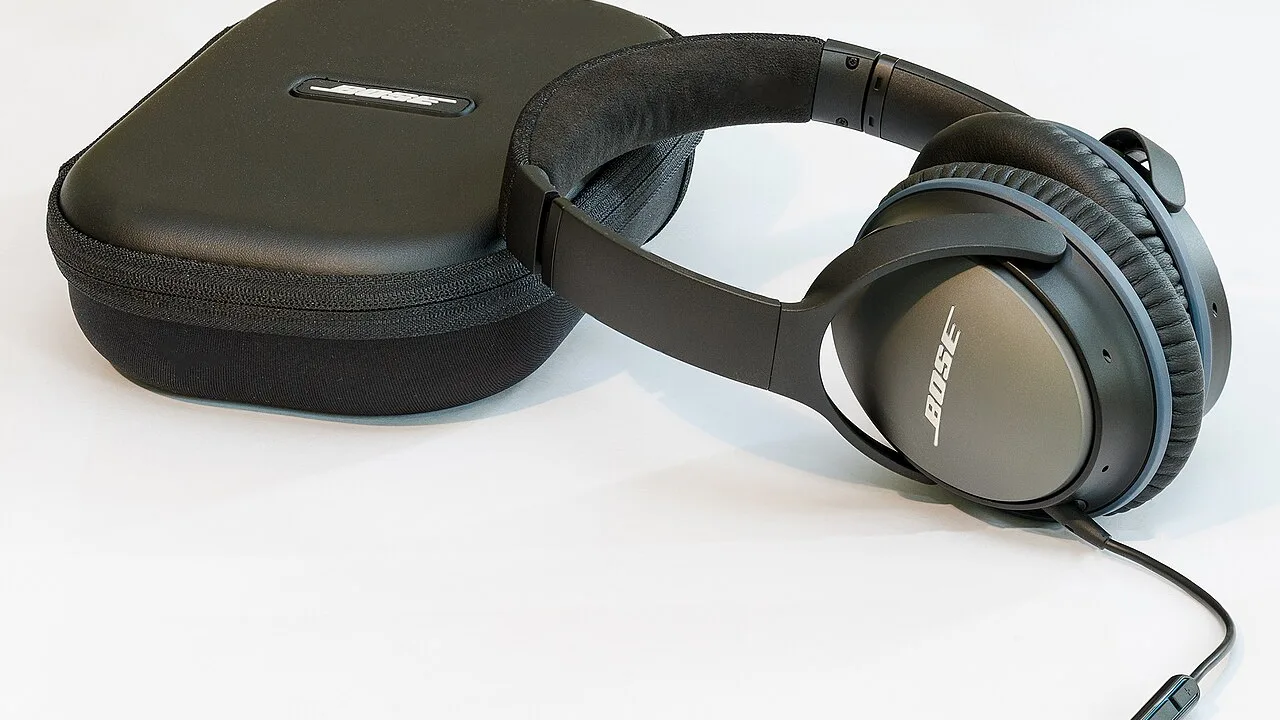
Wired headphones combine full frequency range with negligible delay, which is why experienced rhythm players treat them as the default serious setup.
You do not need expensive models. Clear mids and honest bass matter more than brand, because the goal is hearing the drum kit distinctly, not audiophile beauty.
Carry a simple wired pair as your game's dedicated equipment and your timing environment stops changing between sessions.
What good game audio needs:
Wireless sets free you from cables and sound wonderful for listening, but their transmission delay works directly against a rhythm game's clock.
If wireless is your only option, calibrate carefully for that specific set and recheck whenever connection conditions change.
Treat any sudden timing strangeness after switching to wireless as an audio problem first, because it almost always is.
More information is available in:
Turn off sound enhancements, spatial effects, and equaliser presets while playing. They reshape timing and emphasis in ways designed for listening pleasure, not for following a beat precisely.
If an equaliser is available and the drums feel buried, a gentle lift to low frequencies can clarify the pulse. Change one thing at a time and test on a familiar song.
Keep game volume high enough that quiet rhythmic details survive your environment, and lower other apps' sounds so nothing competes with the track.
More information is available in:
Noise steals the quiet parts of songs first: ghost notes, soft hats, and the spaces between beats that charts love to use.
In unavoidably noisy settings, choose songs with strong, simple pulses and treat the session as maintenance rather than measurement.
Your best attempts deserve your quietest hour. Protect them the way athletes protect competition conditions.
Audio quality flows into everything: analysis may build the chart, but your ears deliver it to your fingers, and every judgement is graded against what you heard.
Setting up sound properly is therefore not audiophile fussiness. It is the cheapest skill upgrade in the entire game.
Give your ears a clear, honest signal, and your rhythm will surprise you.
Headphones and audio settings decide how much of the beat you can actually use in Beat Craft APK. Wired headphones offer the clearest, lowest-delay standard, speakers serve quiet casual practice, and wireless demands careful calibration. Switch off enhancements, keep the drums clear, and protect serious sessions from noise, and your timing will improve before your technique even changes.
Start Beat Craft APK the right way. A beginner rhythm guide to first songs, basic timing, reading your first charts, and the practice habits that build real rhythm skill.
Play your own music in Beat Craft APK. Learn how custom songs become charts, what makes a track work well, and how to build a personal library that trains your rhythm.

Understand difficulty levels in Beat Craft APK. Learn what changes between levels, how to know when you are ready to move up, and why jumping ahead too fast backfires.